Are Budgeting Apps Safe? How Open Banking Protects Your Data
Are budgeting apps safe? How UK open banking, read-only access and FCA rules protect your data, plus the checks that tell a safe app from a risky one.
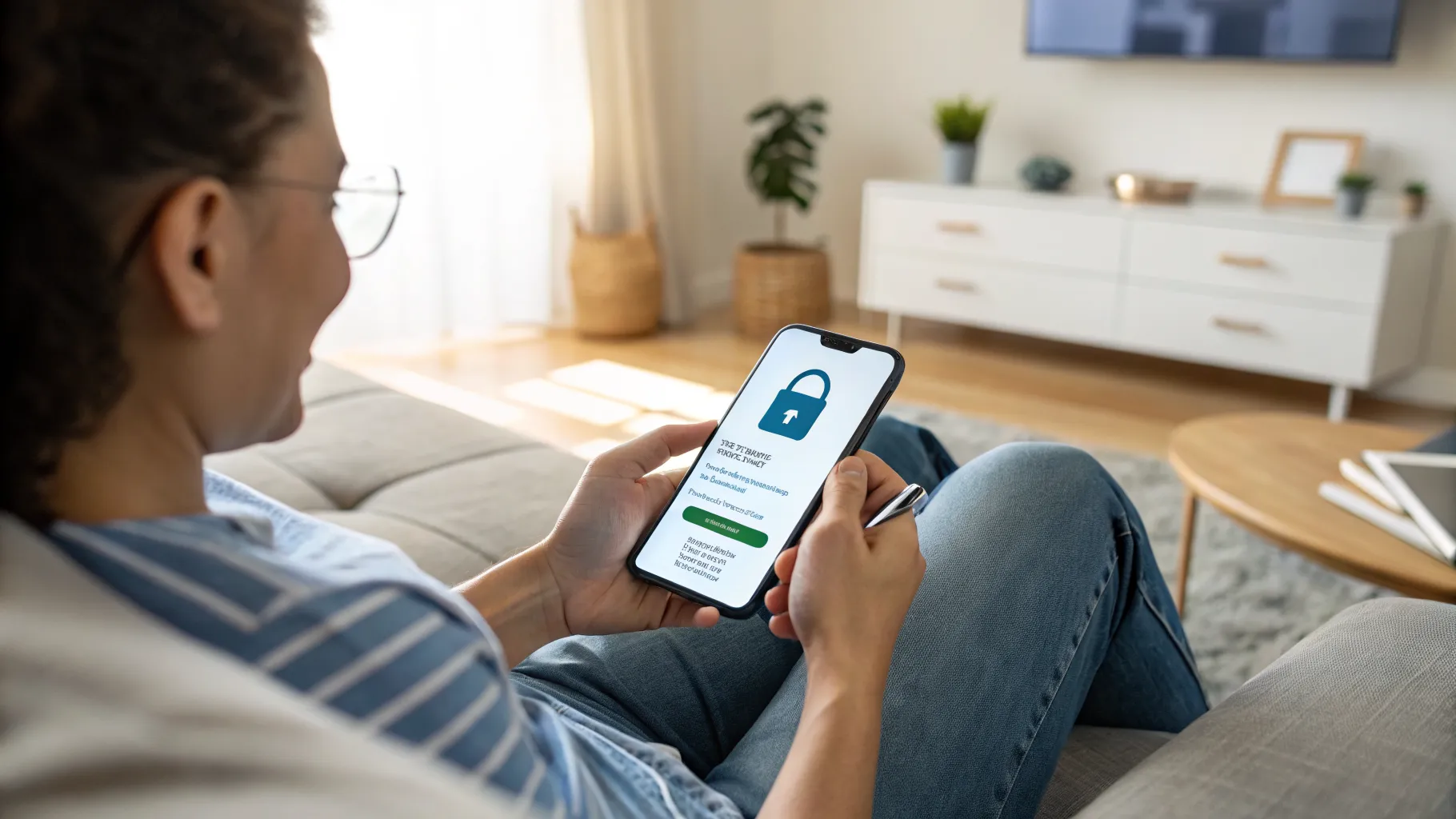
Are budgeting apps safe? For the well-known UK apps, the honest answer is yes, as long as you connect through open banking and stick to providers on the official register. The thing most people worry about, an app quietly draining their account, is not how the technology works. What you are actually granting is read-only sight of your transactions, not the keys to move your money.
That said, “safe” is not the same as “risk-free”, and the real risks are not the ones the headlines suggest. Here is exactly what a budgeting app can and cannot do with your data, and the few checks that separate a trustworthy app from one to avoid.
What a budgeting app can actually see and do
Most UK budgeting apps connect to your bank using open banking, the regulated system that lets you share account data with approved third parties. The single most important fact about it: this is read-only access. The app can retrieve your balance and your transaction history so it can sort spending into categories and draw you a chart. It cannot move money, set up a payment, or change anything in your account. That limit is built into the connection itself, not a setting you have to switch on.
Just as importantly, you never give the app your banking password. When you link an account, you are bounced over to your own bank’s app or website to approve the request there, then sent back. The app receives a time-limited consent token, not your login. Your credentials never leave your bank.
How open banking keeps your data protected
Open banking is not a free-for-all. Only firms authorised or registered with the Financial Conduct Authority can enrol in the Open Banking Directory and request your data, and they must comply with the Payment Services Regulations 2017, which set strict rules on data sharing, secure communication and identifying customers. Every data request also uses Strong Customer Authentication, the same multi-step identity check that protects your normal banking.
You stay in control of the connection. You choose who gets access, what they see, and for how long, and you can withdraw consent at any time, either inside the app or through your bank. Access also expires on its own and has to be renewed, so a forgotten app cannot keep reading your data indefinitely. On top of that, your transaction data is covered by UK data protection law, and if something does go wrong you can complain to the Financial Ombudsman Service.
The system is now mainstream rather than experimental. Open Banking Limited reports more than 16 million active users in the UK, which is part of why the major apps have had their security tested at real scale.
The risks that are actually worth thinking about
The genuine risks are quieter than account theft. First, you are still sharing sensitive financial information with a company, so it matters who that company is and how it handles data. A well-funded app with a clear privacy policy is a different proposition from an unknown one. Second, some apps make money from anonymised, aggregated spending insights or from referring you to financial products, so it is worth reading what they do with your data beyond simply showing it back to you.
Third, and most common, is plain account security on your side. A weak phone passcode or a reused password on the app’s own login is a far more likely weak point than open banking itself. Turn on biometric or PIN lock, use a unique password, and you have closed the gap that actually gets exploited.
How to check an app is safe before you connect
The decisive check takes two minutes. Confirm the provider is on the FCA register, or look for the open banking branding and a clear statement that the app is FCA authorised or registered. If you cannot find the firm on the register, do not grant access. That one step rules out the apps most worth avoiding.
Beyond that, prefer apps with a track record and a real company behind them, read the privacy policy for what happens to your data, and check that the app offers its own biometric or PIN lock. Our best budgeting apps in the UK guide sticks to FCA-regulated options, and the Emma app review and Snoop app review both cover how those apps handle your data in practice.
So, should you use one?
For most people the convenience is worth it, and the security model is genuinely sound: read-only access, no shared password, FCA oversight and consent you can pull at any time. The job on your side is small but real. Pick a regulated app you have reason to trust, lock the app itself properly, and review which apps still have access every few months. Do that and a budgeting app is one of the lower-risk things on your phone.
Frequently asked questions
Are budgeting apps safe to connect to my bank account? Yes, the established UK apps are safe when they use open banking, because the connection is read-only and you authorise it through your own bank rather than handing over your password. The key check is confirming the provider is authorised or registered with the FCA before you connect.
Can a budgeting app take money out of my account? No. Standard budgeting apps use account information services, which give read-only access to your balance and transactions. They cannot move money, make payments or change anything in your account, because that ability is not part of the connection.
Do I have to give a budgeting app my online banking password? No, and you should be suspicious of any app that asks for it. With open banking you approve access inside your own bank’s app or website, and the budgeting app only ever receives a limited, time-limited consent token, never your login details.
What happens to my data if I stop using the app? You can withdraw consent at any time through the app or your bank, which cuts off its access to new data. Open banking permissions also expire on their own and have to be renewed, and under UK data protection law you can ask the provider to delete the data it holds.
How do I know if a budgeting app is FCA regulated? Check the FCA register or the Open Banking Directory for the company’s name, and look for a clear statement in the app or on its website that it is FCA authorised or registered. If you cannot confirm it, do not grant access to your accounts.